Altis V4 Keypad
Description
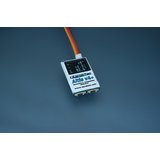
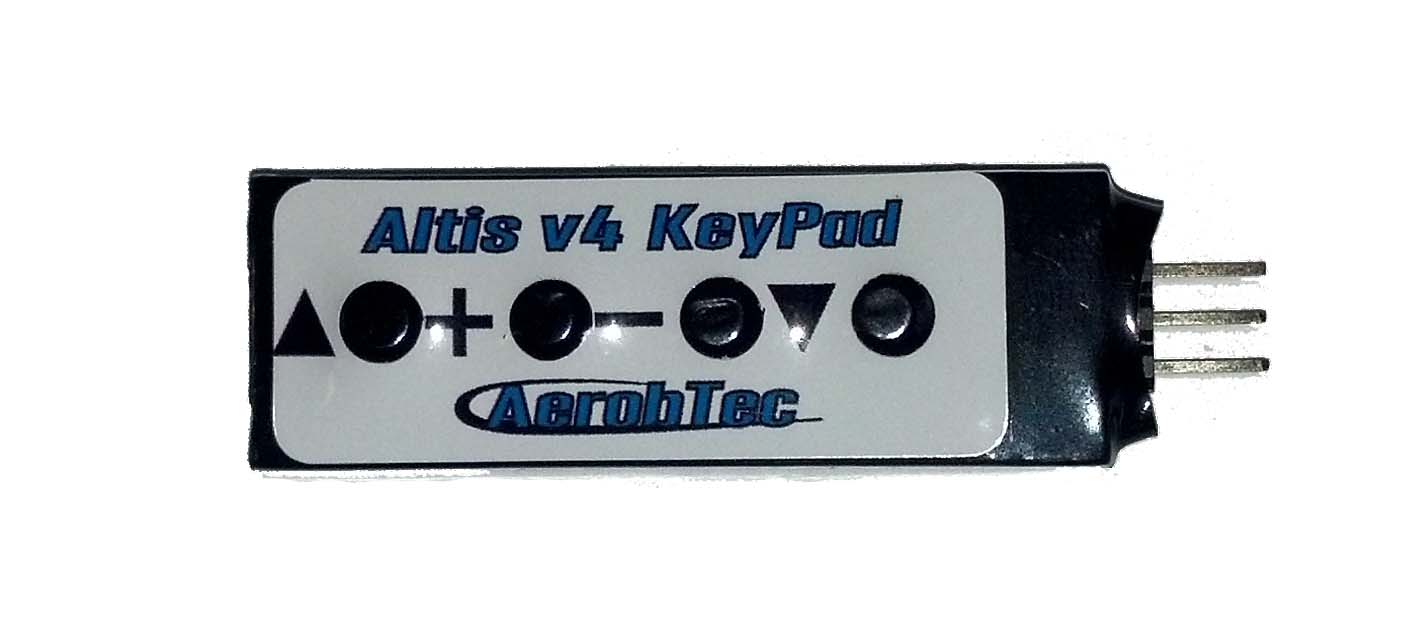
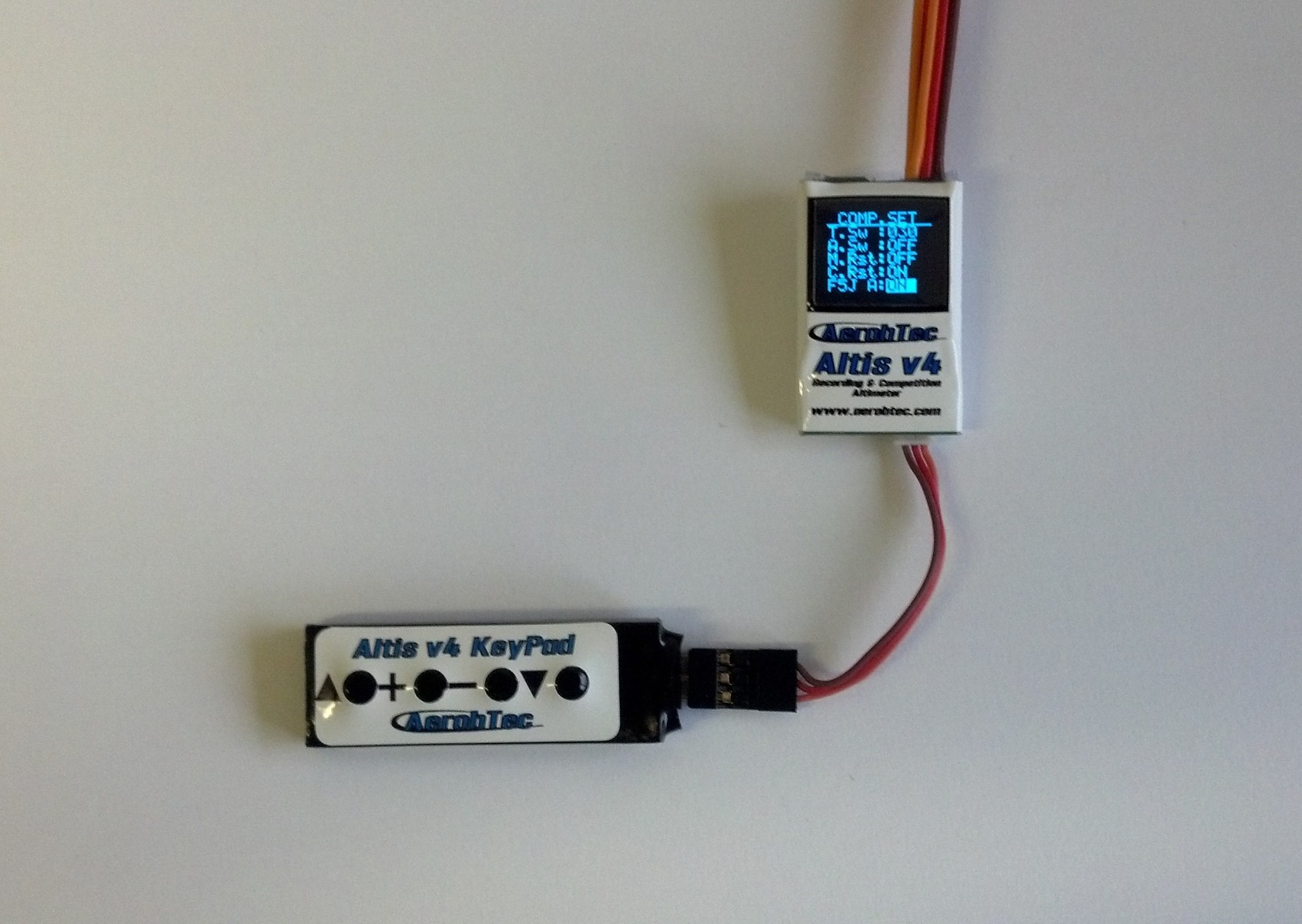
When using the logger the Altis v4 has to have its port A set to Keypad, so the keypad cannot be used at the same time as the telemetry facility.
To enable the keypad you may need to upgrade both the computer software and the Altis V4 firmware to the latest versions. Then there will be a new option in the PC software to enable the external keyboard.
To comply with the current F5J rules no changes are possible when loaded with the F5J firmware.
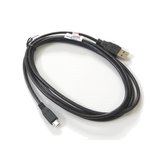
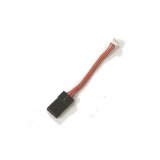
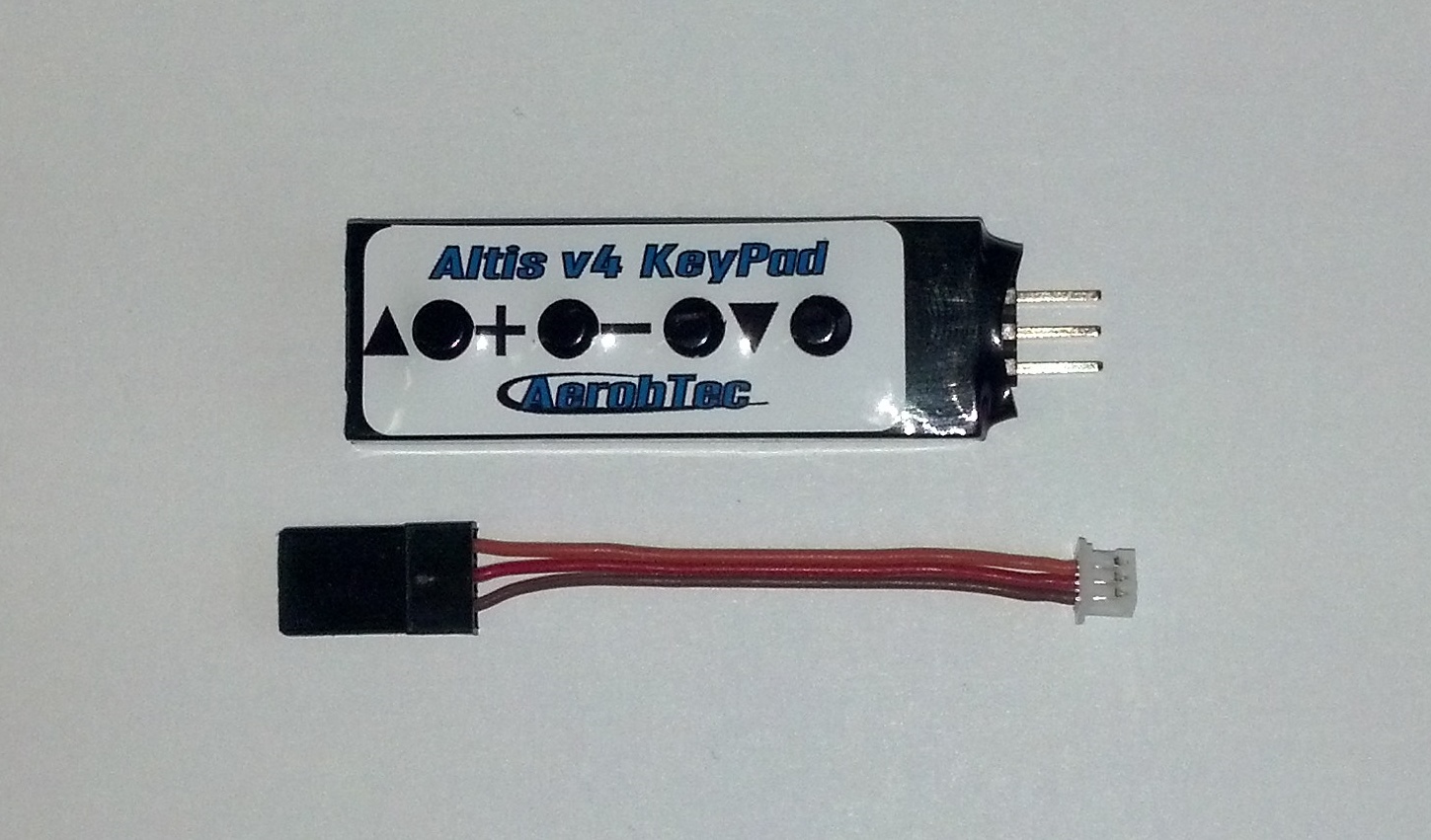
Supplied with a cable - the same item as the Telemetry Cable.
Note this keypad only provides very limited functionality with the Altis Nano - it cannot be used to change any parameters.
Reviews 8
The V4 Keypad seems only designed to work with the Altis V4.
It does NOT have full functionality with the Nano, where the +/- keys are not supported. One can scroll through the Nano's different competition categories using the side-arrow keys, but one cannot then enter any category to examine or change any field inputs (e.g. using firmware v1.9 as I am, using CUSTOM).
The Altis Nano manual does not make this at all clear.
Very swift service from Neil and the Team, very easy to use making programming at the field really easy.
Thanks
Bien reçu l'alti V4+ très rapidement toujours pas essayé car planeur f5j toujours pas terminé .
this item makes setting the v4 very easy and can be done on field,as I have done,super value
Works as advertised. Need to set the com a port on your Altis to keyboard via the computer interface before it will start working.
Neat bit of kit, simple to use.
The supplied short cable can be left plugged into the airborne Altis V4, for easy access where field changes are needed.
Was a little concerned at the absence of polarity markers on the 3 pin connector - but was advised by the manufacturer that reversal isn't damaging - plus the label will show polarity on later versions.
Note - the latest Altis V4 firmware now includes an optional anti-zoom function *, with an adjustable 'gain' parameter. These settings are not currently adjustable with this device.
* Not available with F5J firmware loaded.
Related Categories
Related Products